Troubleshooting guide
Router DNS Settings Override Pi-hole: Stop the Router From Handing Out Its Own DNS
Category: DNS Filtering
Your router keeps advertising its own DNS address instead of Pi-hole’s, so clients never query the blocklist. Before changing anything else, confirm what the router actually hands out. On a client, run ipconfig /all (Windows) or cat /etc/resolv.conf (Linux/macOS). If the DNS server listed is the router’s LAN IP (for example 192.168.1.1) rather than Pi-hole’s address, the router is overriding Pi-hole at the DHCP level.
Check the DHCP DNS option
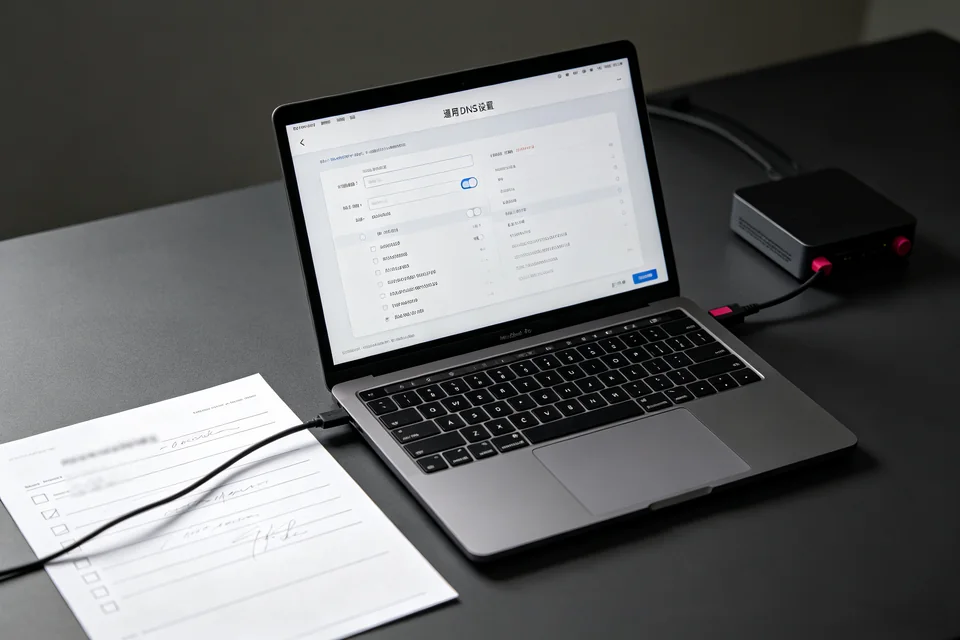
Log in to the router and find the DHCP server settings, not the WAN DNS fields. Look for a LAN DNS or DHCP DNS option. Set it to Pi-hole’s static LAN IP only, then save and reboot the router. If the router has no such field, disable its DHCP server and let Pi-hole handle DHCP; otherwise the router will keep advertising itself.
Confirm the lease changed
On the client, release and renew the lease (ipconfig /release then ipconfig /renew, or reconnect Wi-Fi). Re-run the DNS check. The listed server must now be Pi-hole’s IP. If it is still the router, the client kept an old lease or the router ignored the setting.
Verification test
Query Pi-hole directly: nslookup example.com <Pi-hole-IP>. A reply from Pi-hole confirms it answers. Then query without specifying a server; if the answer comes from the router, the handout is still wrong. Also check Pi-hole’s query log for that client’s IP.
Rollback note
If clients lose internet after the change, set the router’s DHCP DNS back to automatic and reboot, restoring connectivity while you review the pi-hole router dns settings.
Still stuck after these checks?