Troubleshooting guide
Pi-hole Not Blocking Ads: Diagnose Before You Change Anything
Category: DNS Filtering
Confirm the client is actually using Pi-hole
You are on a home LAN where the router hands out DNS, and pages still load while known ad domains resolve, so the first job is to prove which DNS server your test device is querying. On the affected device, run nslookup doubleclick.net (or dig doubleclick.net). If the answer comes from the router’s LAN address rather than the Pi-hole address, the router is answering DNS itself and forwarding elsewhere. That single result explains why you see pi-hole not blocking ads even though the Pi-hole service is running.
Check the router’s DNS handoff
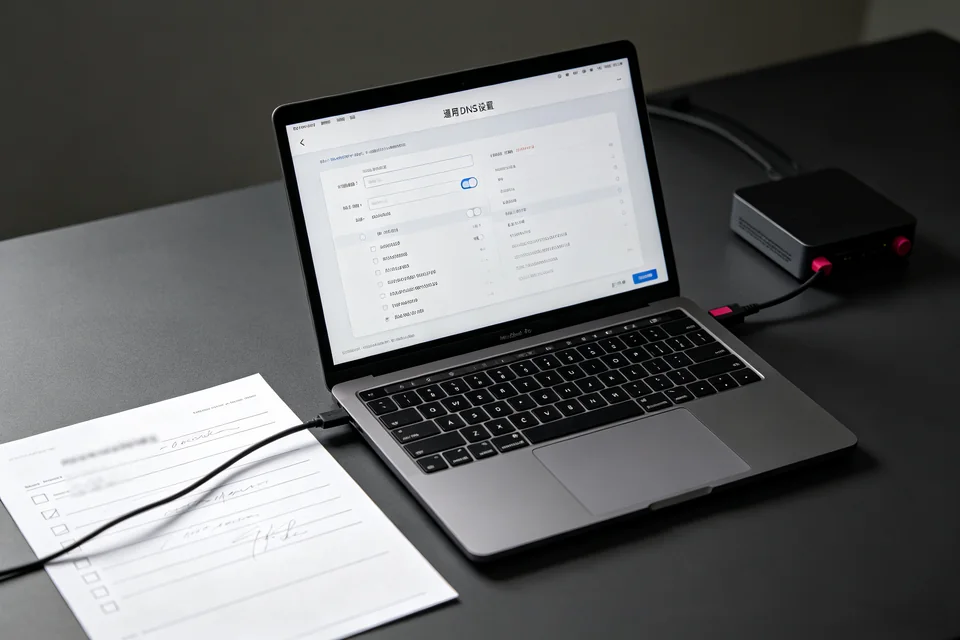
Open the router’s DHCP/LAN settings and read the DNS field sent to clients. It must list only the Pi-hole address; a secondary public resolver such as 1.1.1.1 lets clients bypass filtering. If the router’s own WAN DNS points to the Pi-hole, confirm the Pi-hole upstream is a public resolver, not the router, to avoid a loop.
Verify blocking with a controlled query
On the Pi-hole, open Query Log and filter for a known ad domain. Then from the client, query that domain again. Expected result: the client receives 0.0.0.0 or the Pi-hole address, and the Query Log shows it as blocked. If the log shows it forwarded, check that the blocklist is enabled and gravity was last updated successfully.
Rollback note
Before editing router DNS, save a screenshot of the current DHCP DNS values. If clients lose resolution after the change, restore those values and renew the client lease.
If the Query Log stays empty for your client, the device is still bypassing Pi-hole;
Ask for help with the nslookup output and router DNS page.