Troubleshooting guide
Internet Breaks After Pi-hole Install: Quick DNS Resolution Fix
Category: DNS Filtering
You pointed your router’s DNS at Pi-hole, and now every device on your home LAN has lost name resolution.
Check Pi-hole’s Upstream DNS
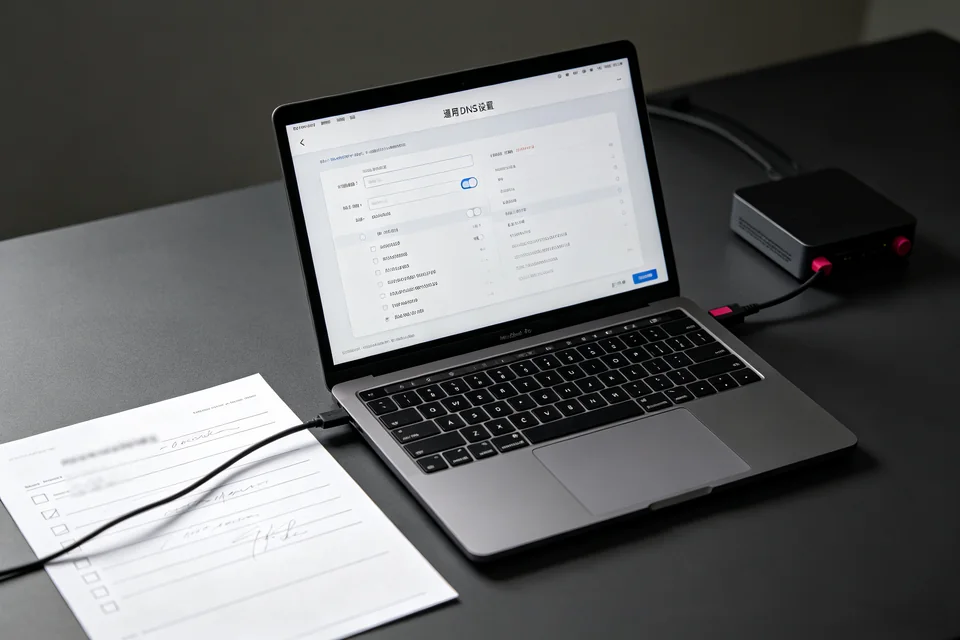
Open the Pi-hole admin page and go to Settings > DNS. Confirm at least one upstream DNS server is listed and enabled. If the list is empty, Pi-hole has nowhere to forward queries. Add your router’s IP or a public resolver, then save. If the page is unreachable, SSH into the Pi-hole host and run pihole status. A result showing DNS service not running means the resolver is down, not your internet.
Test Resolution From the Pi-hole Host
On the Pi-hole machine, run nslookup example.com 127.0.0.1. If this returns an address, Pi-hole is resolving locally and the problem is between clients and Pi-hole. If it times out, the upstream path is broken. Next, run nslookup example.com 8.8.8.8 from the same host. Success there but failure on 127.0.0.1 confirms the pi-hole dns resolution failed internally, so restart the DNS service with pihole restartdns and retest.
Verify From a Client
On a client device, run nslookup example.com and note the server address. It should be your Pi-hole IP. If it shows your router instead, DHCP is still handing out the old DNS. Reboot the client or renew its lease. A correct server address with a timeout points back to the Pi-hole host checks above.
Rollback if Needed
If you need internet back immediately, set your router’s DNS back to its previous value and renew client leases. That restores normal browsing while you diagnose Pi-hole separately. For guided recovery,