Troubleshooting guide
Pi-hole DNS Resolution Failed: Restore Internet After Installation
Category: DNS Filtering
You installed Pi-hole on your home LAN, pointed your clients at it, and now name resolution fails so the internet appears broken.
Confirm the failure before changing anything
On a client, run nslookup example.com (or dig example.com). If it times out or returns no address, the client is not getting answers from Pi-hole. Next, run nslookup example.com <pi-hole-IP> to query Pi-hole directly. If that also fails, the problem is Pi-hole’s upstream DNS, not the client. If it succeeds, check the client’s configured DNS server and router DHCP settings.
Check Pi-hole’s upstream DNS
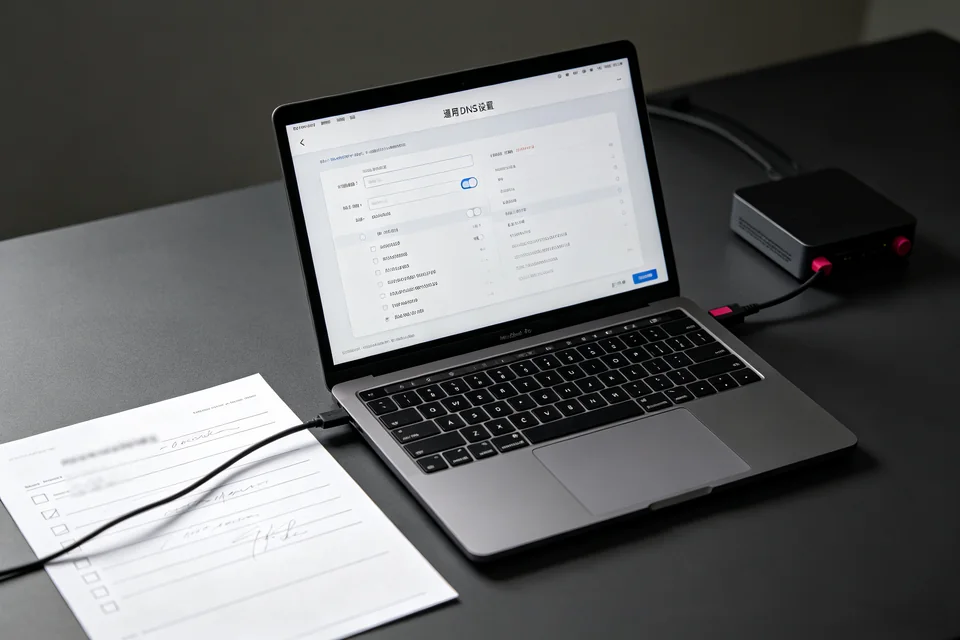
Open the Pi-hole admin page and go to Settings > DNS. Confirm at least one upstream resolver is enabled and reachable. From the Pi-hole host, run nslookup example.com 1.1.1.1. If this fails, Pi-hole has no working upstream path, which explains why pi-hole dns resolution failed for every client.
Verify resolution end to end
After correcting the upstream setting, restart Pi-hole’s DNS service, then repeat nslookup example.com <pi-hole-IP> from a client. A returned address means resolution works; a timeout means the service is not listening or the firewall is blocking port 53.
Roll back if clients still cannot resolve
If clients remain offline, temporarily set their DNS back to the router address or a public resolver so the household regains internet. Then re-check Pi-hole one step at a time rather than changing multiple settings at once. For guided diagnosis,
Repeat the same check after a restart and confirm the result twice.