Troubleshooting guide
Pi-hole Breaks Internet: Restore DNS After Installation
Category: DNS Filtering
You installed Pi-hole and pointed your clients’ DNS at it, but now they cannot resolve names and the internet appears broken.
Check Pi-hole’s upstream DNS
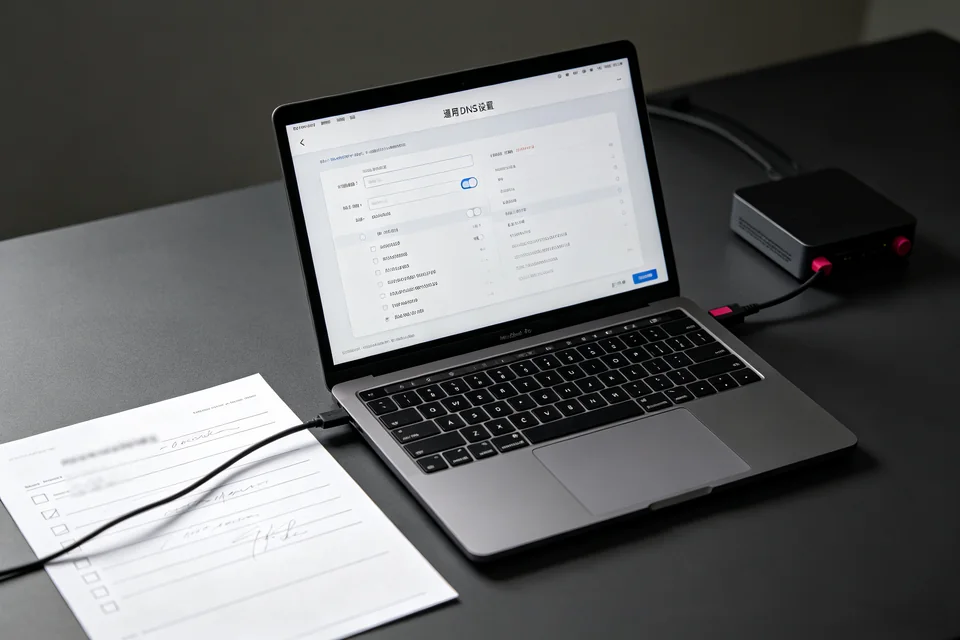
On the Pi-hole admin page, go to Settings > DNS. Confirm at least one upstream DNS server is enabled and reachable. If the list is empty or all entries are unchecked, Pi-hole has nowhere to forward queries. Select a reliable upstream (for example, your router’s LAN IP or a public resolver), save, and retry.
Test resolution from the Pi-hole host
Run nslookup example.com on the Pi-hole device. A successful answer returns an IP address. If it times out, the host itself lacks working DNS or outbound connectivity; fix that before changing client settings.
Verify client DNS and query flow
On a client, run nslookup example.com and note the server address. It must be the Pi-hole IP. Then open Query Log in the admin interface and generate a new lookup. If no query appears, the client is not using Pi-hole. If a query appears but is blocked, review blocklists and whitelist the domain.
Confirm the fix
From the client, run ping example.com. A resolved IP and replies confirm name resolution is restored. Also load a known site in a browser.
If these steps do not restore service, this is where pi-hole breaks internet becomes a controlled diagnosis rather than guesswork.
Ask for help with your Query Log output and client DNS settings.
Rollback if needed
If clients still fail, temporarily set their DNS back to the router-provided address to regain connectivity, then troubleshoot Pi-hole separately. This keeps the household online while you isolate the DNS fault.