01
Pages will not load
A device loses internet access or some domains time out after its DNS is pointed at Pi-hole.

THE THREE FAILURES WE SEE
01
A device loses internet access or some domains time out after its DNS is pointed at Pi-hole.
02
Pi-hole is reachable but the device bypasses it or uses an encrypted DNS resolver.
03
A router-level DNS change affects every client before the Pi-hole path is proven.
HOW WE TEST
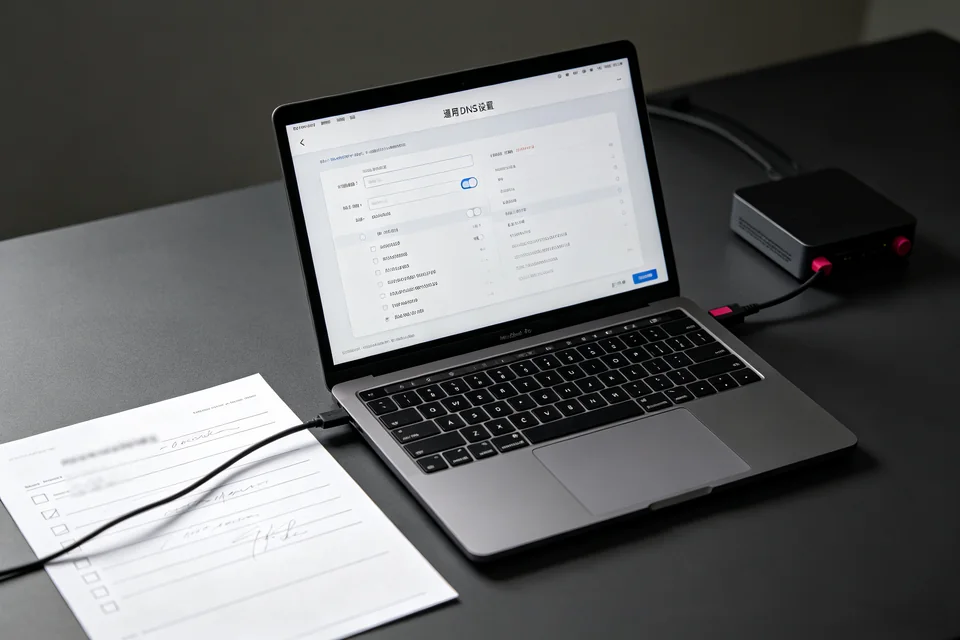
SERVICE SCOPE
The session covers one agreed device and one verified path. Anything outside the written scope is quoted separately before work starts.
FAQ
No. The first test changes one device. A router-wide change is a separate decision after the device test passes.
The client may use DoH/DoT, a different DNS server, or a cached connection. The Pi-hole query log shows whether the device is actually asking Pi-hole.
Restore the DNS value you recorded, renew the connection, and confirm browsing. The handover note includes the exact original value.
NEXT STEP
Send the device, software, exact symptom, and what you have already tried. We will confirm scope and a fixed quote before booking.
No passwords. A real reply comes from [email protected].
FROM THE BLOG
Router still handing out its own DNS instead of Pi-hole? Follow these checks to fix the pi-hole router dns setting and verify the DHCP handout.
Clients lose name resolution after pointing DNS at Pi-hole. Follow these checks to isolate the upstream DNS failure and restore internet access.
Router still handing out its own DNS instead of Pi-hole? Follow these checks to fix pi-hole router dns settings override and verify the DHCP handout.
Pi-hole gravity update failed? Queries still resolve but ads are no longer blocked. Follow these steps to diagnose and restore ad blocking.
A whitelisted domain still blocked in Pi-hole? Learn how to check list precedence, exact domain matching, and verify with a controlled query.
One device still uses another DNS server and shows no Pi-hole queries. Follow these checks to confirm and fix a single-device DNS bypass on your home LAN.
Internet breaks after Pi-hole installation? Follow these steps to diagnose and fix pi-hole dns resolution failed on your home LAN.
Ads resolve again because queries are bypassing Pi-hole or gravity is empty. Learn the exact checks to confirm the query path and restore blocking.
Clients lose name resolution after pointing DNS at Pi-hole. Learn to isolate the failure, run a verification test, and roll back safely.
Troubleshoot a Pi-hole conditional forwarding loop that leaves local hostnames missing or wrong. Step-by-step checks, exact result interpretation, and a verification test.